
Hands-on labIntermediate
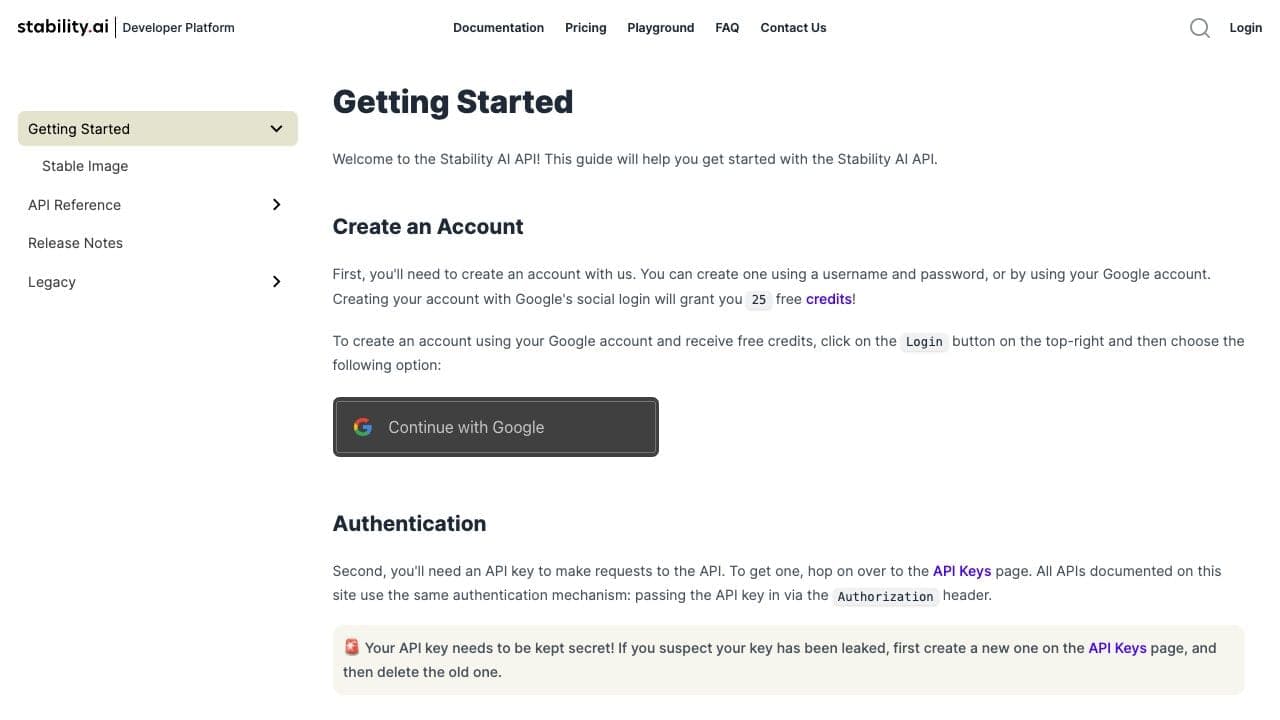
Image generation API documentation
Stability AI
Provider documentation for turning prompts and images into generated visual outputs through an API.
- Time
- One lab
image generationparametersreview
Read the ToolDix guide
AI learning path
Go from a visual brief to consistent generated images while managing references, revisions, and commercial-use checks.
For Designers, marketers, and creators
6 original lessons on ToolDix, roughly 96 minutes end to end
Start the courseOptional, after the lessons
Published by other organizations and kept here for reference. The lessons above are the ToolDix course; these are where to go once you want the vendor's own documentation.
5 resources
Stability AI
Provider documentation for turning prompts and images into generated visual outputs through an API.
Hugging Face
A hands-on introduction to diffusion models, image generation pipelines, and the implementation ideas behind them.

Adobe
Short official tutorials for ideation, image generation, editing, and production handoff in a design workflow.
Stability AI
A primary starting point for understanding Stability's image-generation platform, API workflow, and operational constraints.
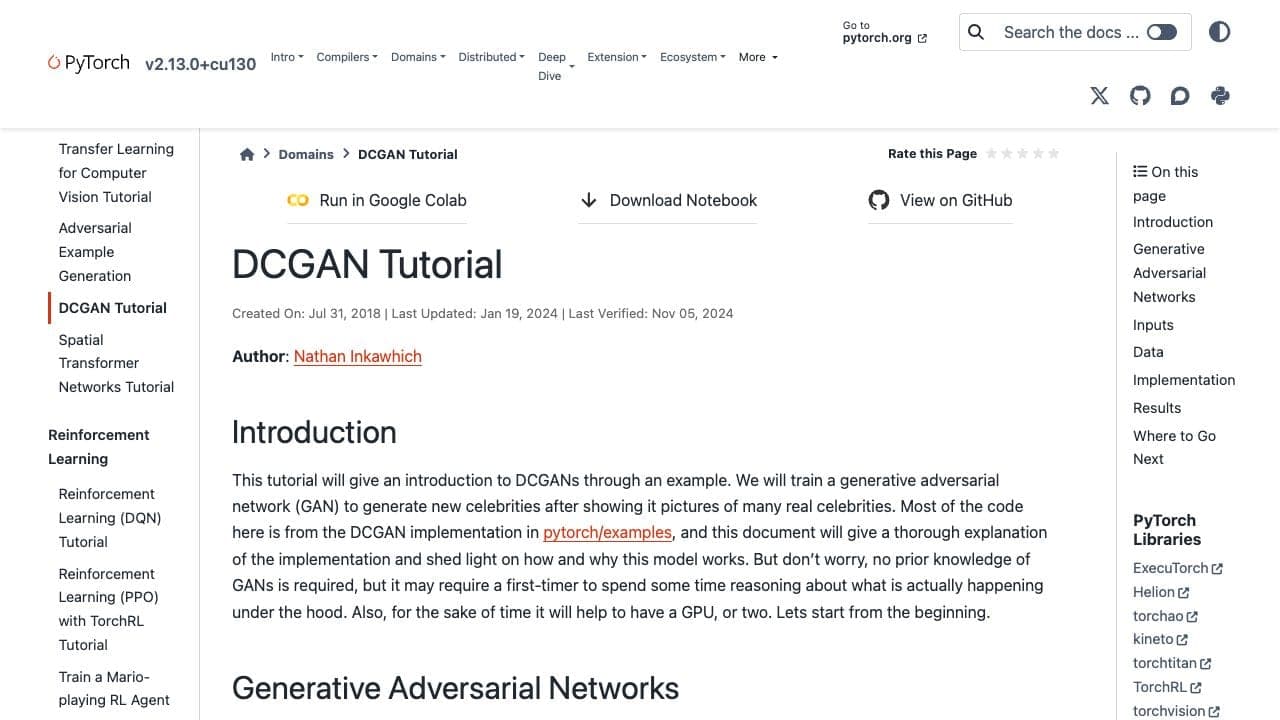
PyTorch · Nathan Inkawhich
A code-led introduction to training a deep convolutional generative adversarial network, including data, generator, discriminator, loss, optimization, and output inspection.