
Hands-on labIntermediate
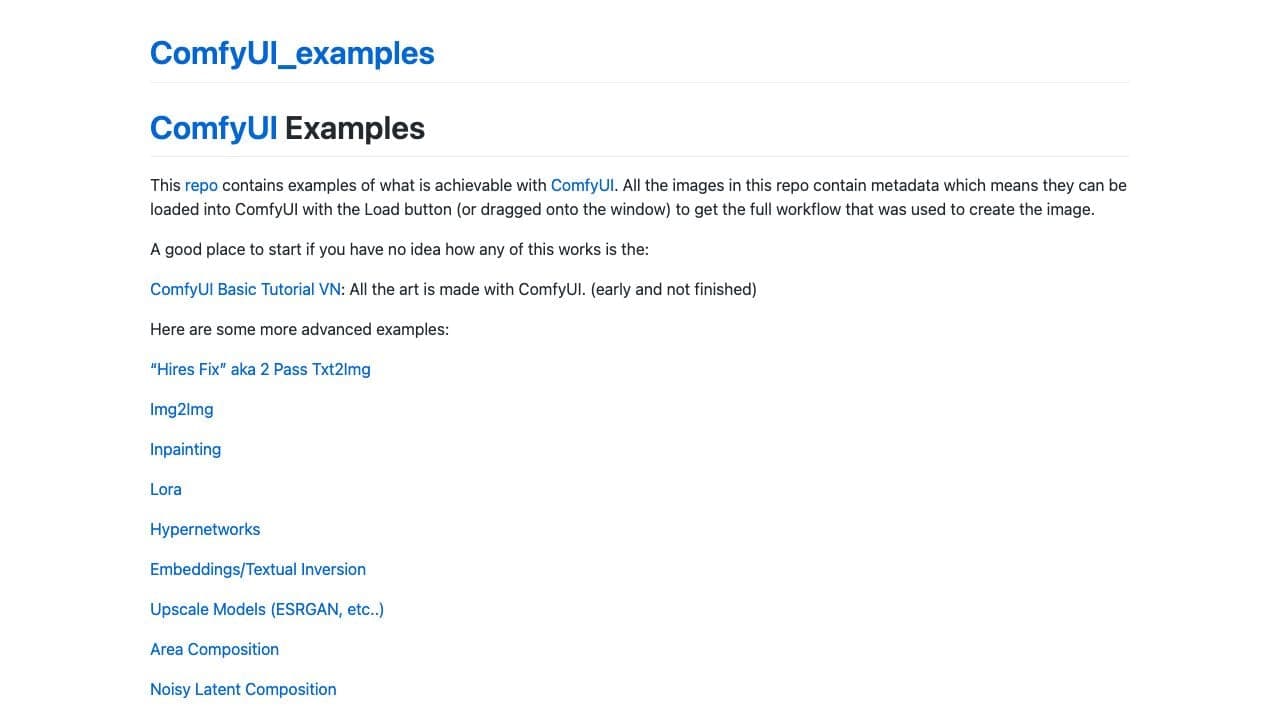
ComfyUI Examples
ComfyUI
A public set of example workflows for learning how nodes, models, and outputs connect.
- Time
- Workflow-by-workflow
nodesdiffusiondebugging
Read the ToolDix guide
AI learning path
Build node-based image workflows that are reproducible, portable, and easier to debug than a growing pile of screenshots.
For Technical image creators
6 original lessons on ToolDix, roughly 100 minutes end to end
Start the courseOptional, after the lessons
Published by other organizations and kept here for reference. The lessons above are the ToolDix course; these are where to go once you want the vendor's own documentation.
5 resources
ComfyUI
A public set of example workflows for learning how nodes, models, and outputs connect.

ComfyUI
The official documentation hub for installation, a first generation, interface concepts, tutorials, nodes, and workflow development.

ComfyUI
The source repository, installation notes, release history, and issue discussions for the core node-based workflow tool.

ComfyUI-Manager
An open-source manager project for discovering and managing workflow extensions and their installation state.
ComfyUI
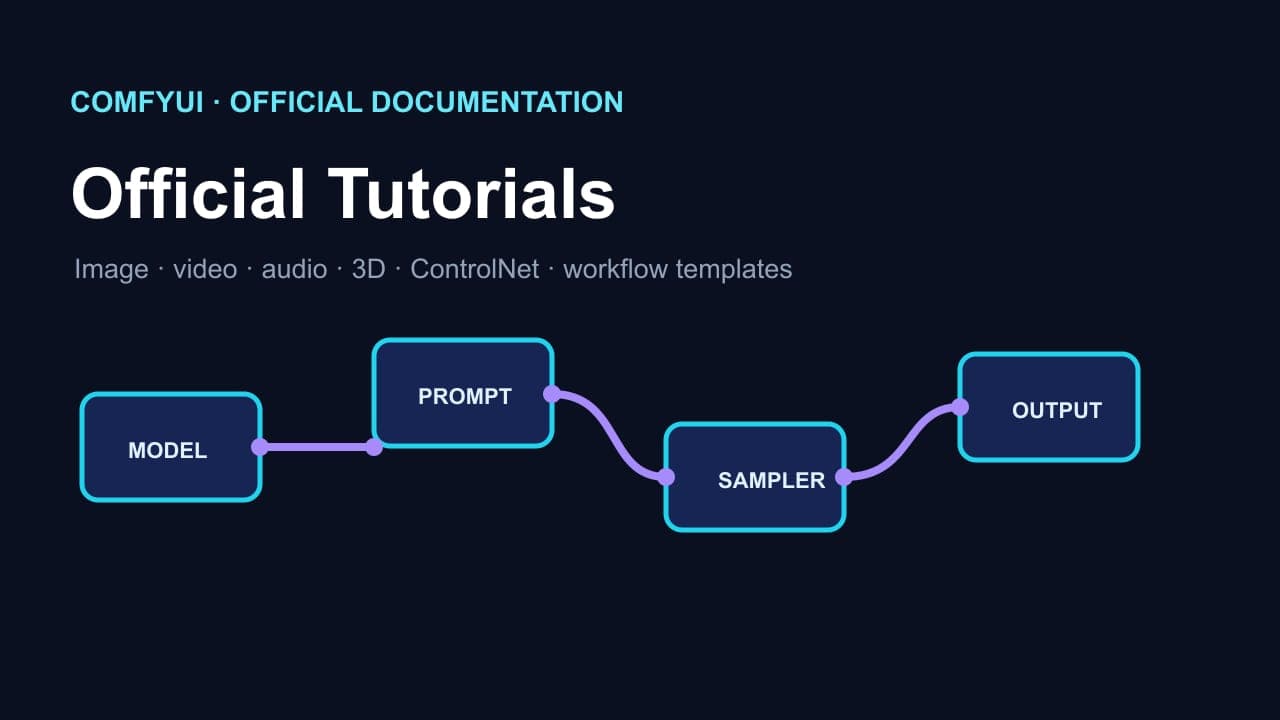
A guided official tutorial entry point for understanding model loading, prompts, sampling, latent decoding, and saving output in a ComfyUI graph.